Your wallpaper, with real depth.
4D live wallpapers for Android, made from your own videos.

How it works
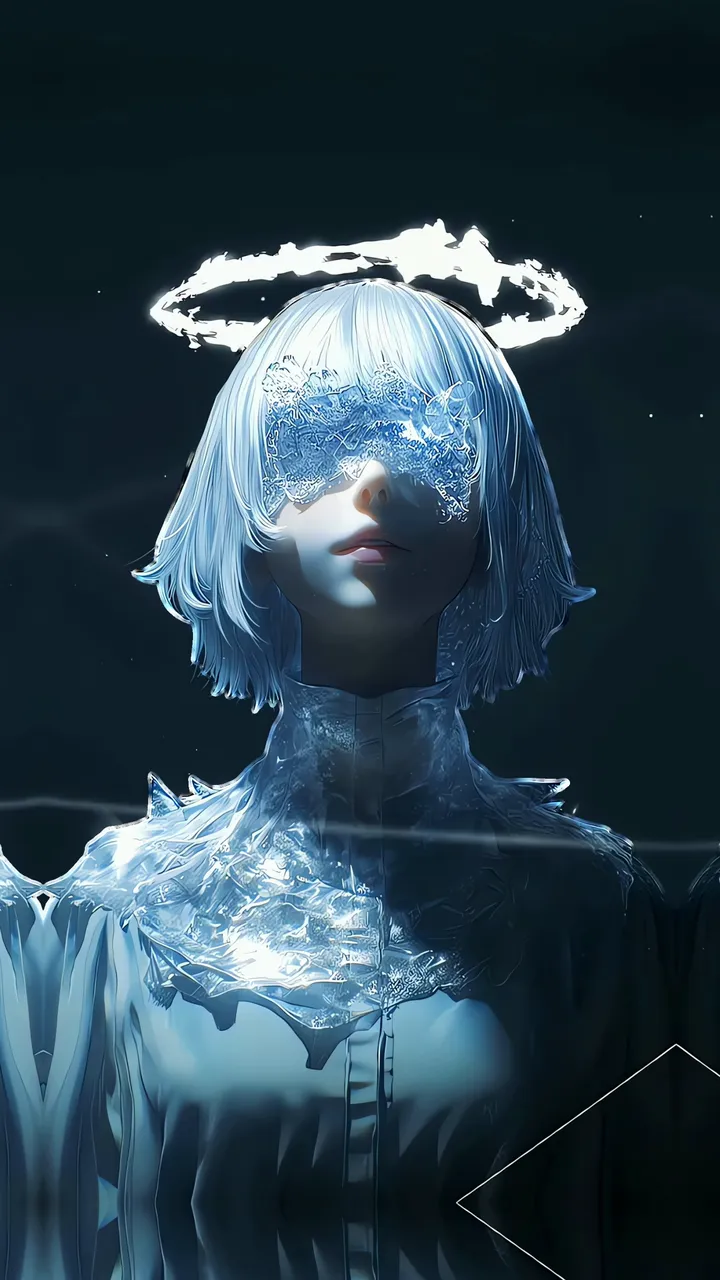
AI splits your video into three layers
When you tilt your phone, each layer moves at its own pace. Close things move more than far ones, and that’s where the depth comes from.
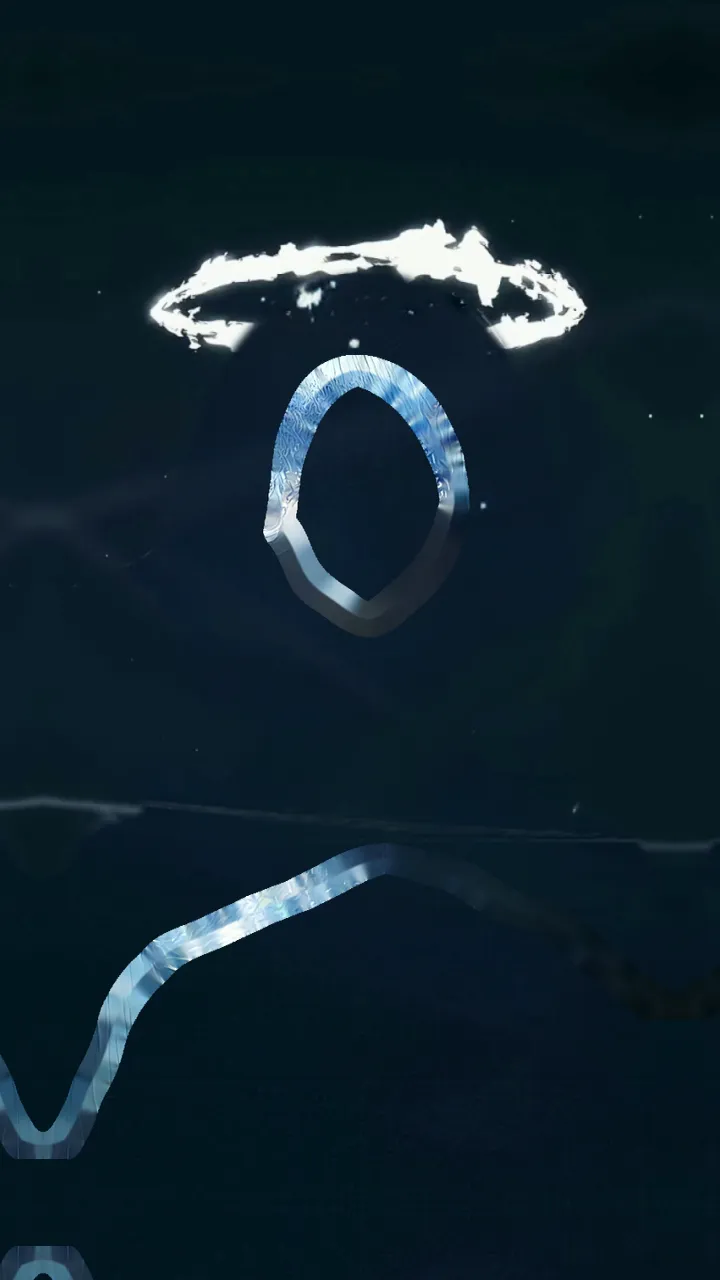
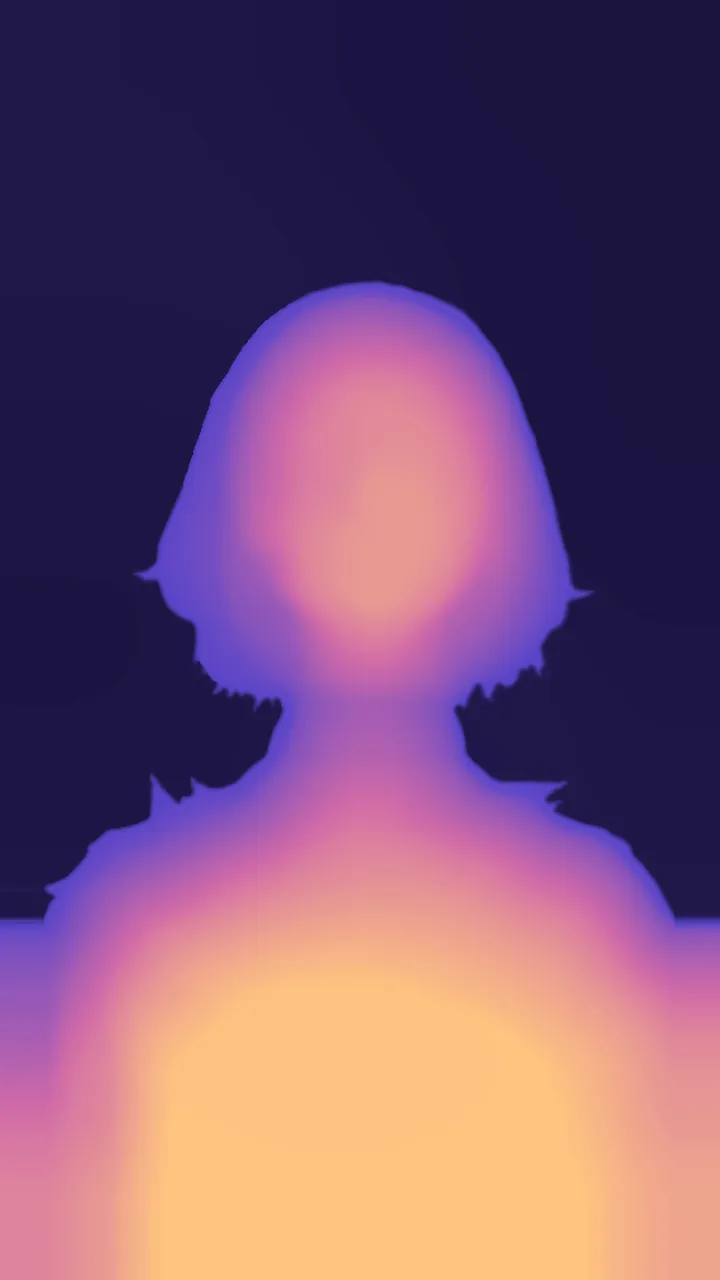
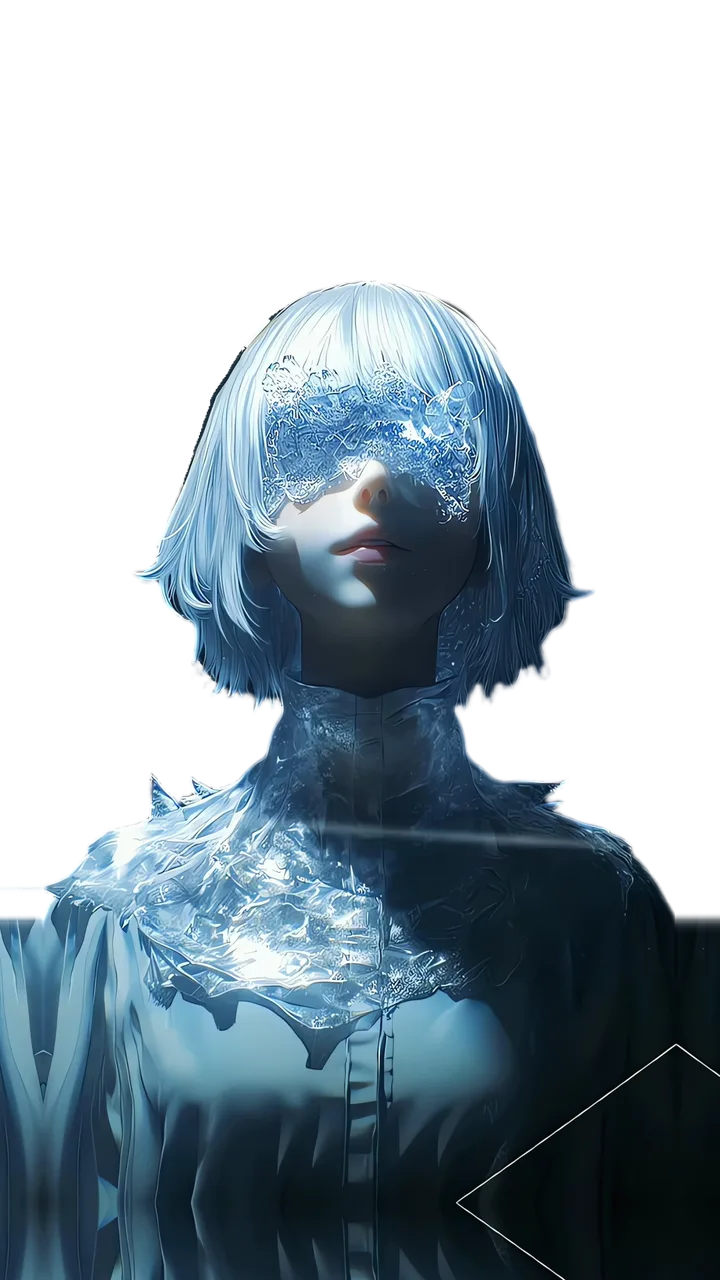
Swipe the stack or tap a layer to see it alone.
Click a layer or its card to see it alone.
Make your own
From your gallery to your screen
-
Pick a video
Any one from your gallery.
-
Tap the main character
The app cuts it out for you.
-
Apply it and tilt
It’s prepared on your phone or in our cloud.
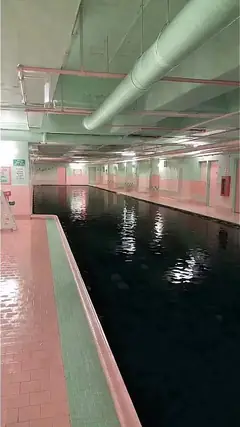
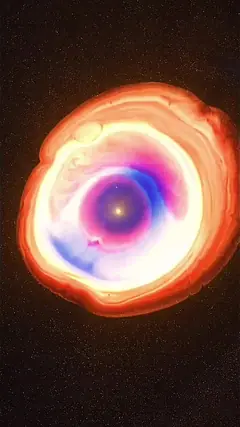
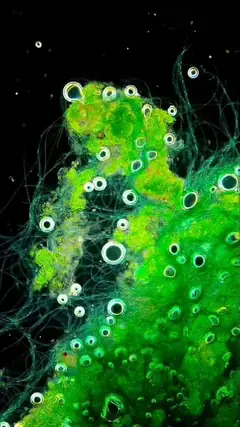
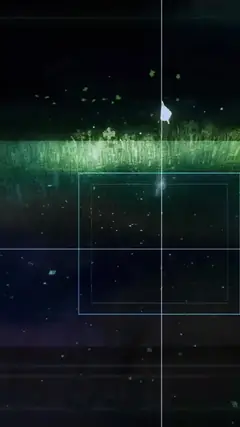


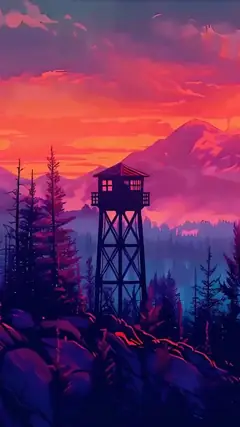
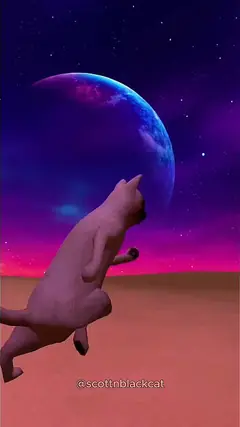
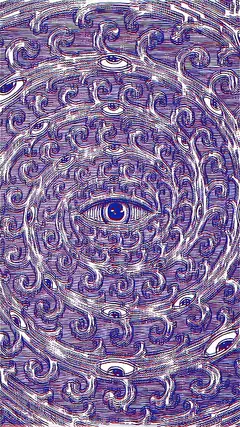
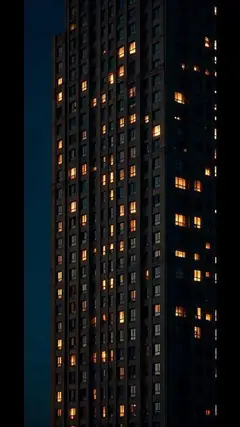
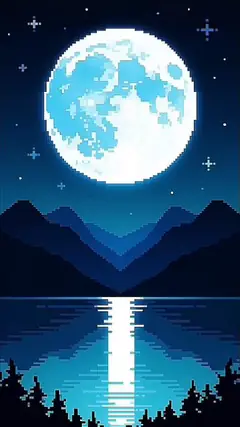
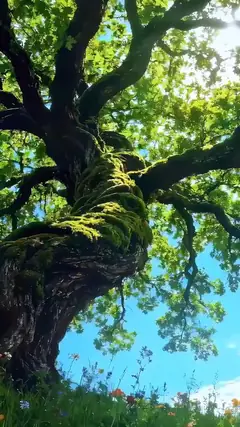

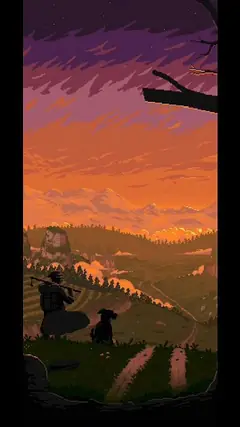
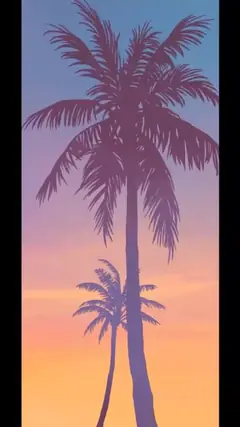
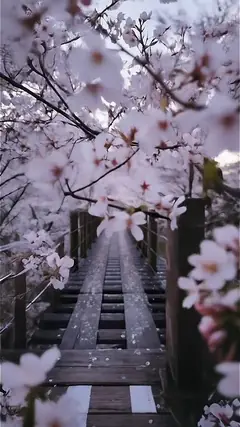
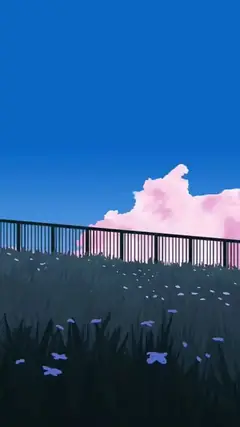
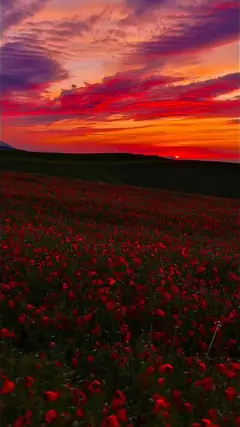
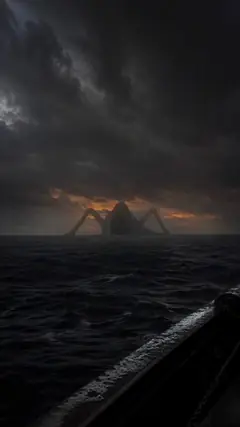


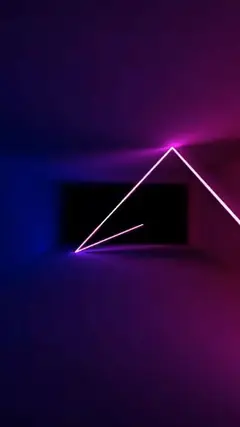
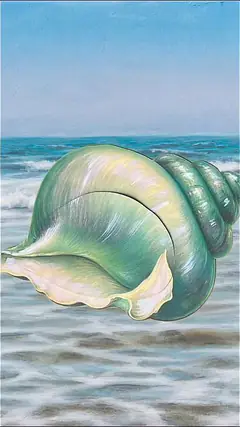
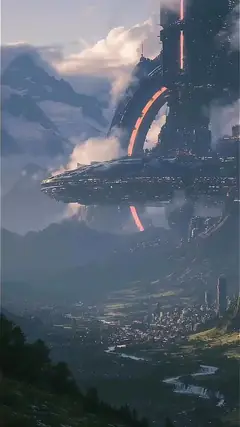
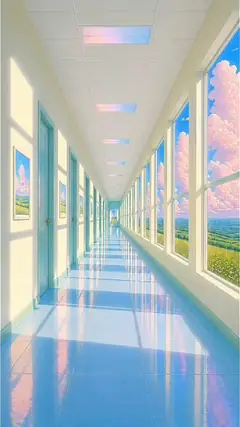









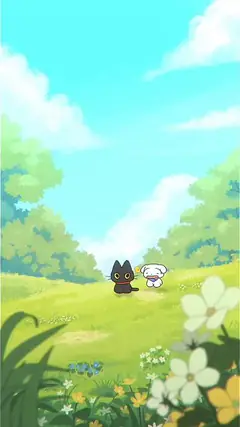
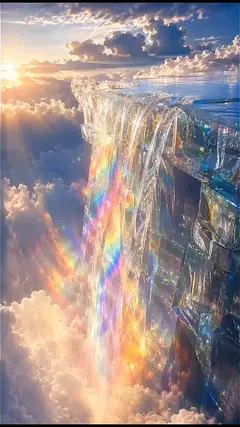

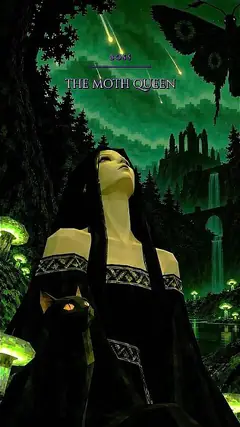
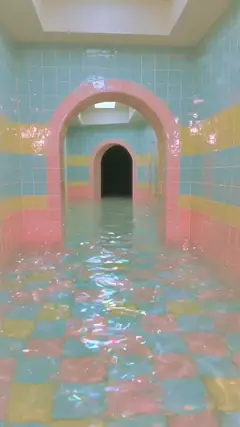

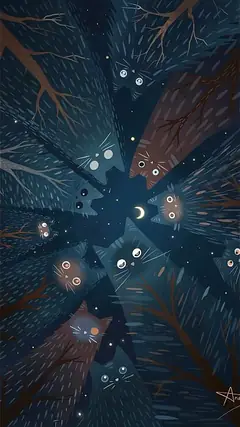
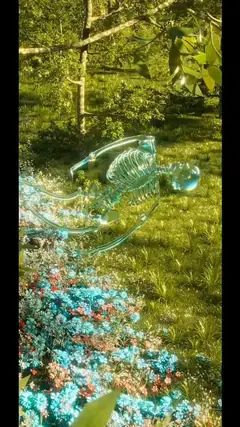

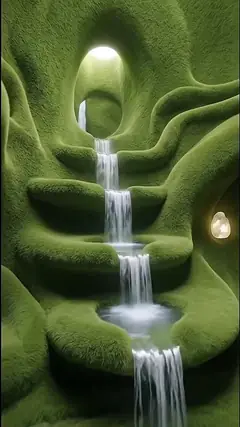

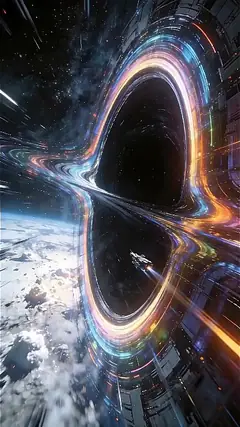



Walls
Wallpapers made
by the community
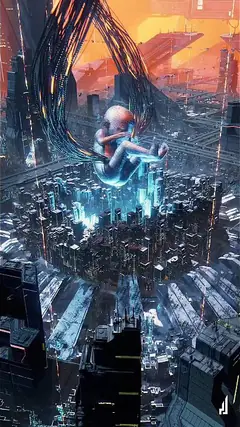
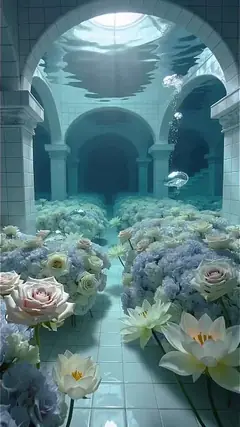
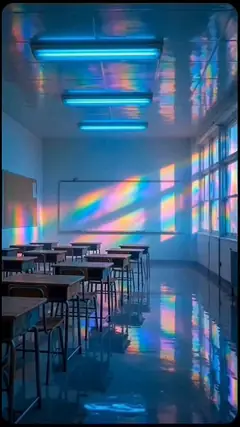
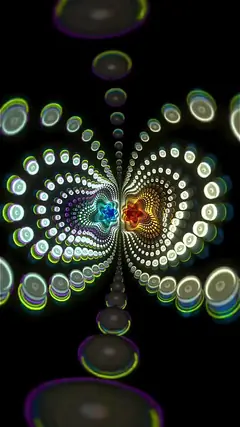
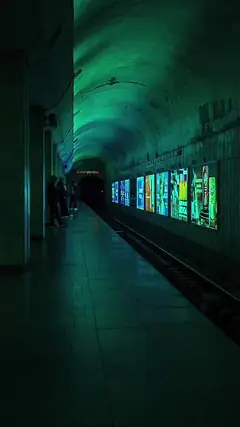
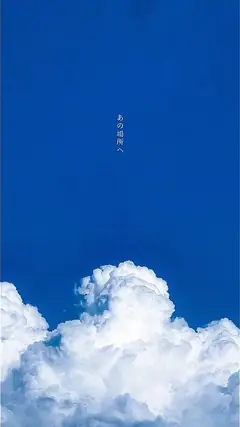
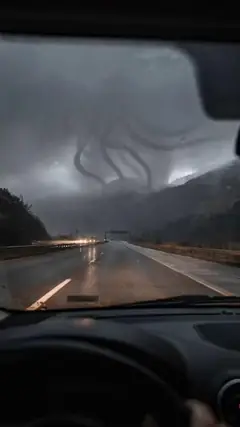
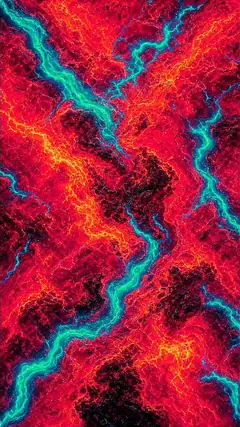
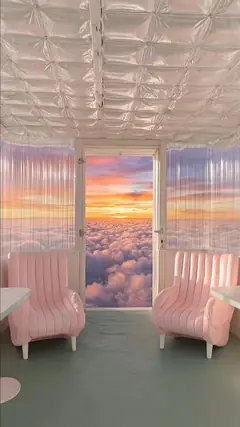
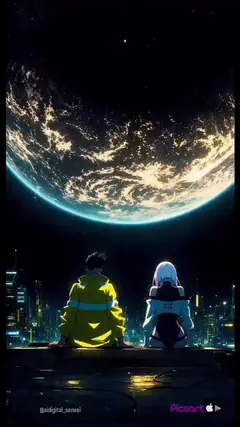
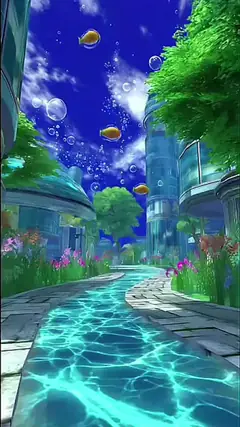
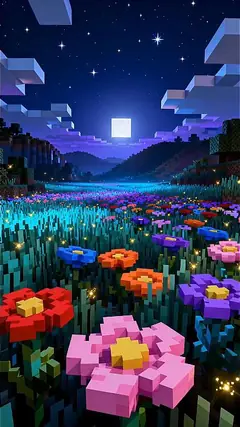
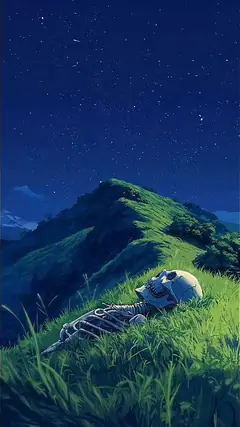
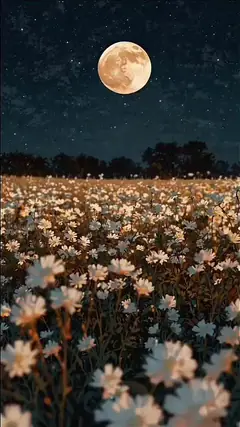
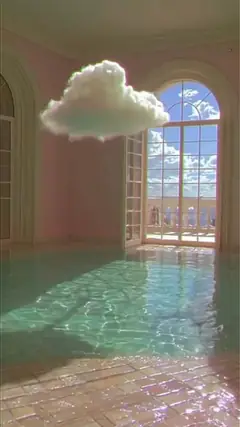
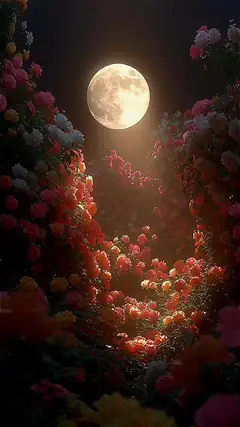
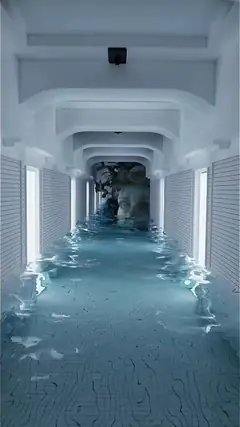
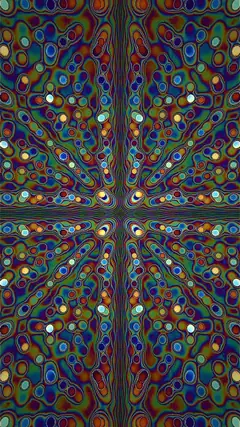
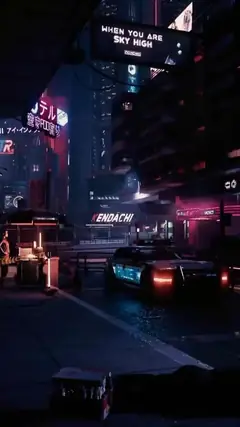
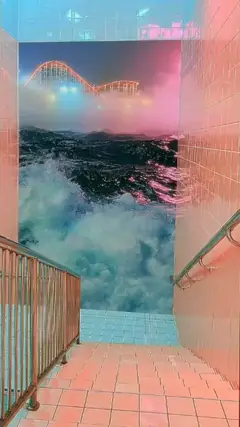
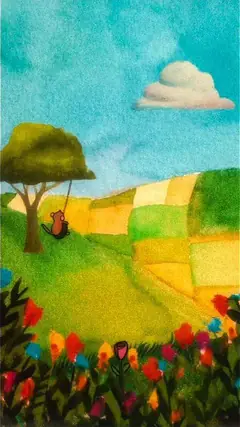
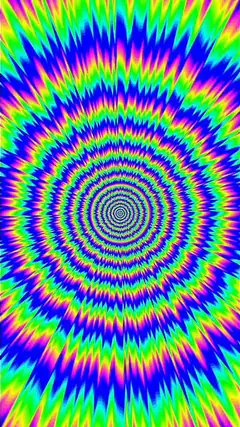
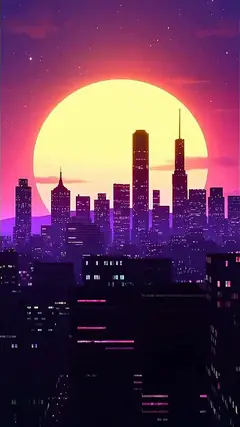
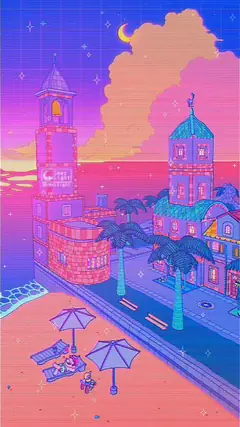
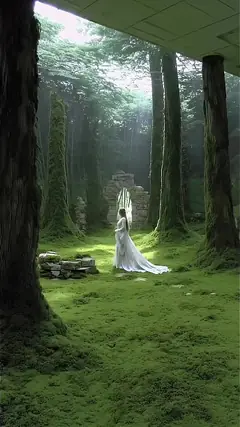
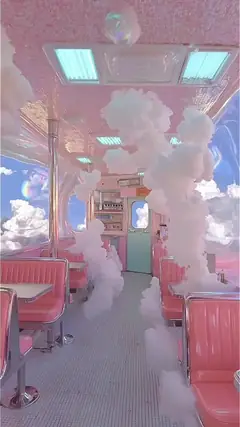
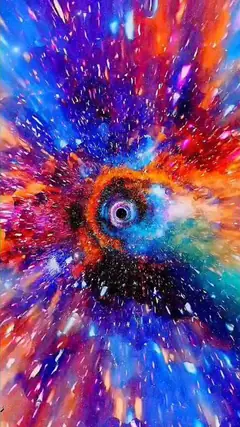
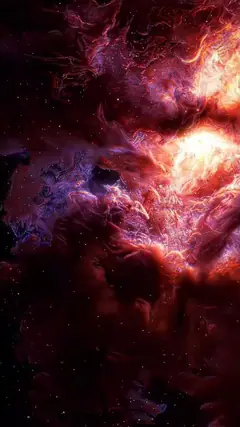
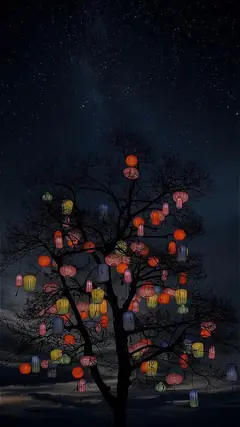
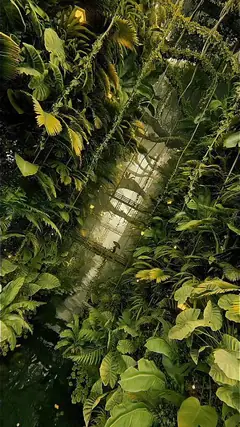
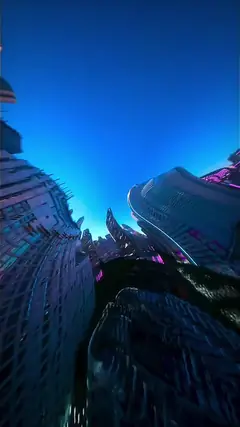
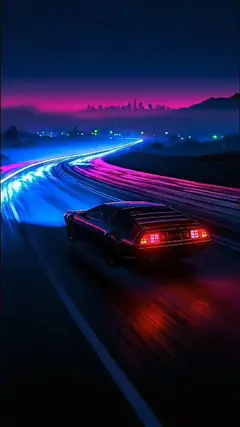
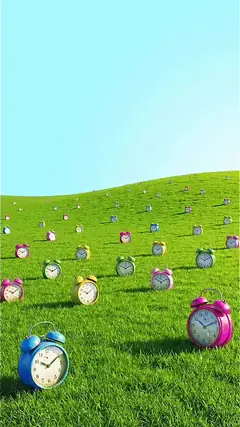
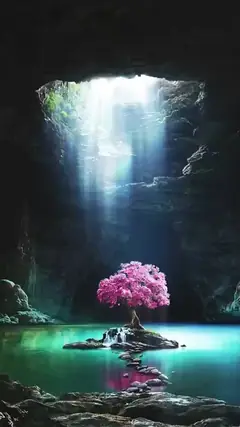
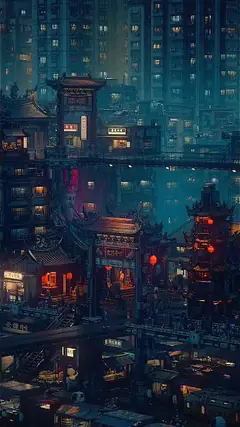
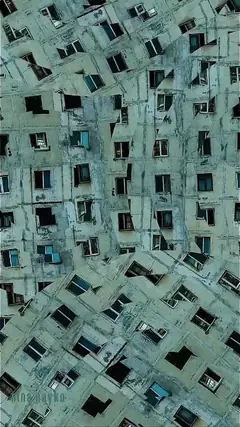
Uploaded by people in the community. Apply them in one tap, and the ones already in 4D move with you.
- wallpapers on Walls
- +1,088
- already in 4D Spatial
- 114
Community favorites
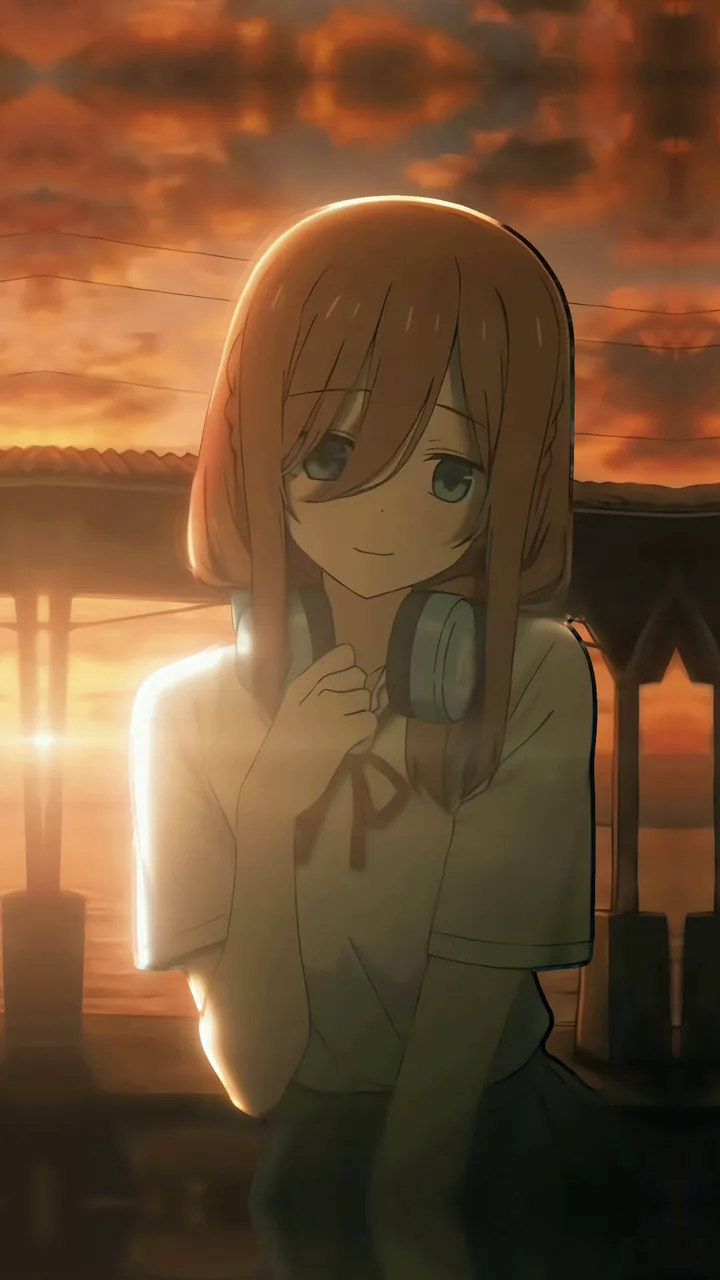
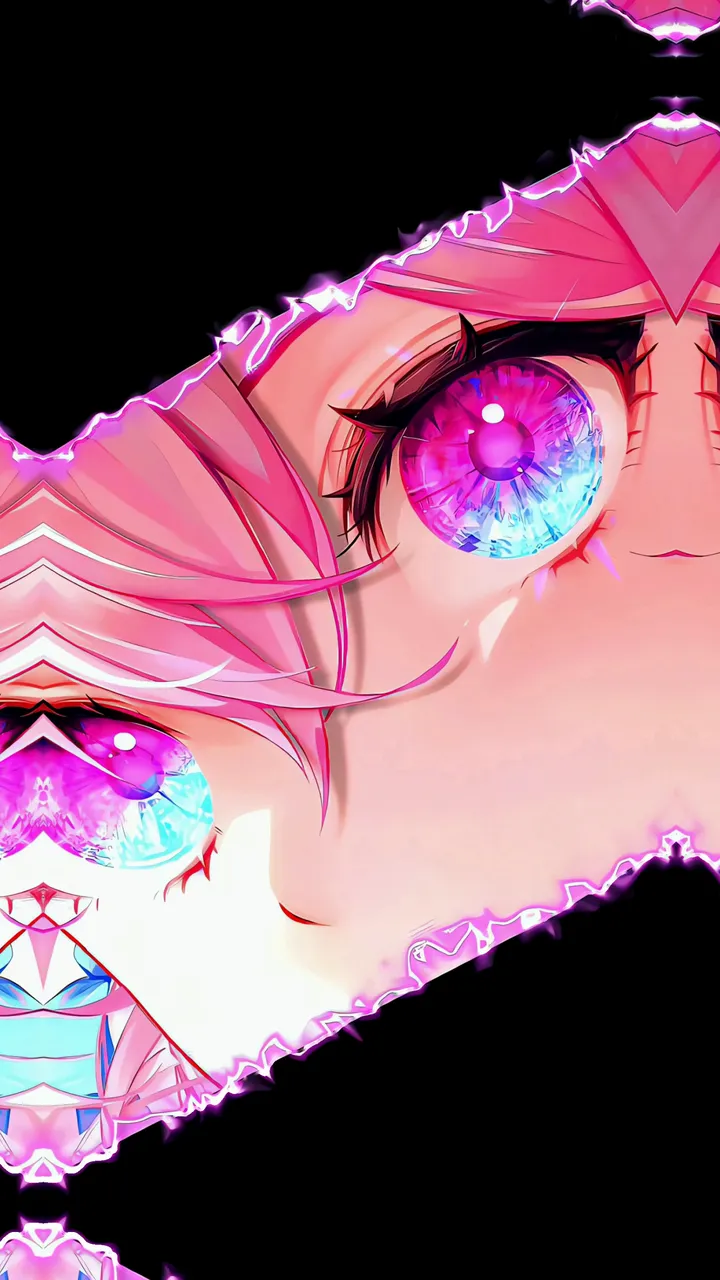
The most used 4D wallpapers
Tap one to see it on the phone above.





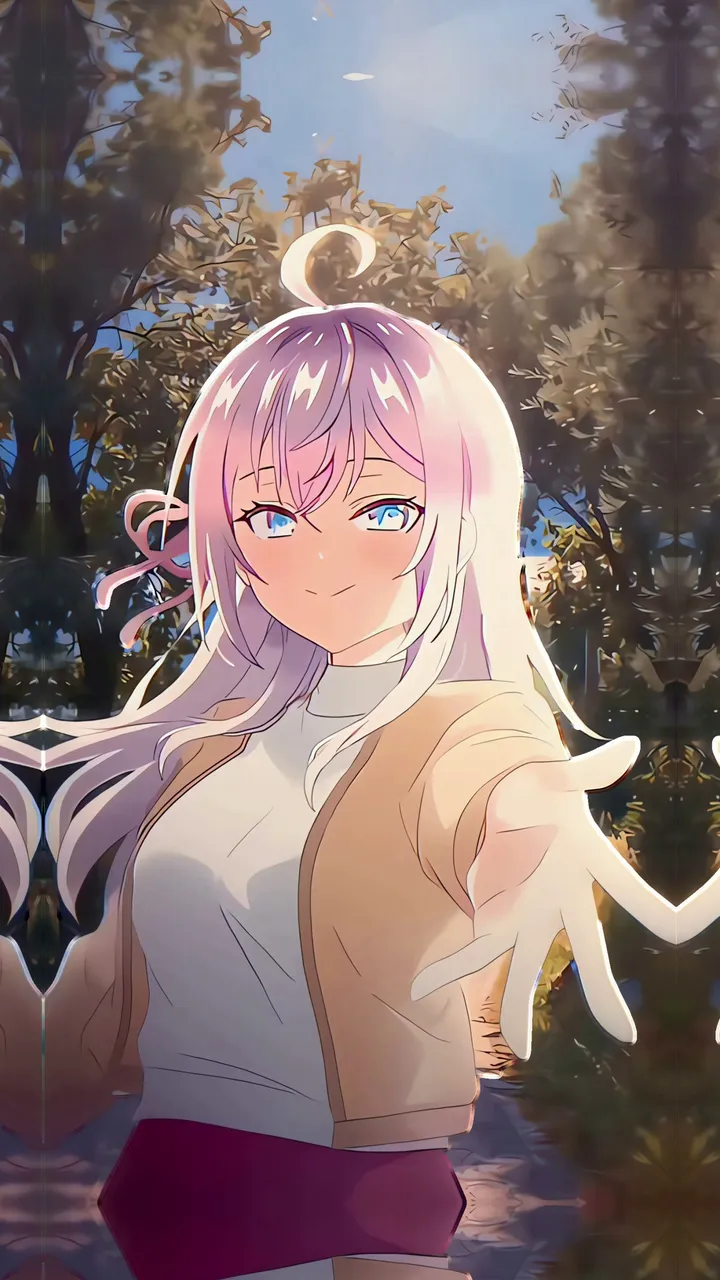

And there’s more
Everything the app does
FAQ
What people ask us
Why is it Android only?
Because Android lets a wallpaper be a live video that reacts to the gyroscope. On iPhone, Apple doesn’t let any app set your wallpaper, let alone an animated one.
Does it cost anything?
Downloading it is free, and you can apply your first wallpaper without an account and without ads.
If you like it, there’s an optional Pro plan that removes ads and adds extras. Pay monthly, yearly or once forever.
Will it work on my phone?
It works from Android 7. For the 4D effect you need a gyroscope, and almost every current phone has one.
Mid-range and high-end phones prepare the 4D right there. The rest send it to our cloud and get it back ready.
Does it drain the battery?
The heavy work happens once, when the wallpaper is created. While you use it, the phone just plays a video and moves layers.
It also pauses by itself when you’re not looking, in battery saver or when the battery is low.
Try it today
Give your screen some depth
- community wallpapers
- +1,088
- in 4D Spatial
- 114
Made in Mexico by an indie dev.